
Lockbox and access resources
Find quick guides, video tutorials, and troubleshooting steps for your SentriGuard® and legacy lockboxes.
How to Take Ownership of a Lockbox
taking lockbox ownership, transferring lockbox assignment, registering lockbox serial, claiming box ownership, reassigning box owner, take, taking, took, own, owning, owned
Learn how to transfer and claim ownership of a lockbox within the SentriKey® system.
Bluetooth Connection - Method 1
- In the SentriKey® Real Estate App, tap the Hamburger Menu ≡ → My Lockboxes → Take/Remove Ownership.
- Press ENT on the lockbox until the blue light flashes.
- Tap Take Ownership in the app and confirm.
Scanning QR Code on a SentriGuard® Lockbox - Method 2
Note: You may need to enable Camera Permissions within your device settings for the SentriKey® Real Estate app.
- In the SentriKey® Real Estate App, tap the Hamburger Menu ≡ → My Lockboxes → Update Firmware → Scan QR Code.
- Point camera at the square QR code on the back of the lockbox body and confirm transfer.
Take Ownership of a Lockbox
Learn how to transfer and claim ownership of a lockbox within the SentriKey® system.
Setting Up Property Access Settings & Notifications
configuring access notifications, setting property alerts, adjusting showing notifications, managing access windows, customizing alert settings, set, setting, setup, set-up
How to configure showing instructions, seller notifications, and Access by Appointment rules.
Configuring Property Access Settings
Access settings can be opened immediately after assigning a lockbox by tapping More Settings, or from the Hamburger Menu ≡ tap My Lockboxes → Property Access Settings and selecting the desired property.
- Showing Instructions: Input entry rules, gate codes, and alarm instructions that display in the showing carousel.
- Homeowner Notifications: Enter seller mobile numbers to send automated SMS alerts when showings start and end.
- Access by Appointment (ABA): Enable ABA rules to restrict lockbox opening solely to agents with confirmed calendar appointments.
Property Access Settings & Notifications
How to configure showing instructions, seller notifications, and Access by Appointment rules.
Guides
SentriLock solution resources
Browse our complete library of written and video tutorials. Select a product line below to find exact walkthroughs for troubleshooting hardware, configuring apps, and mastering your workflow.
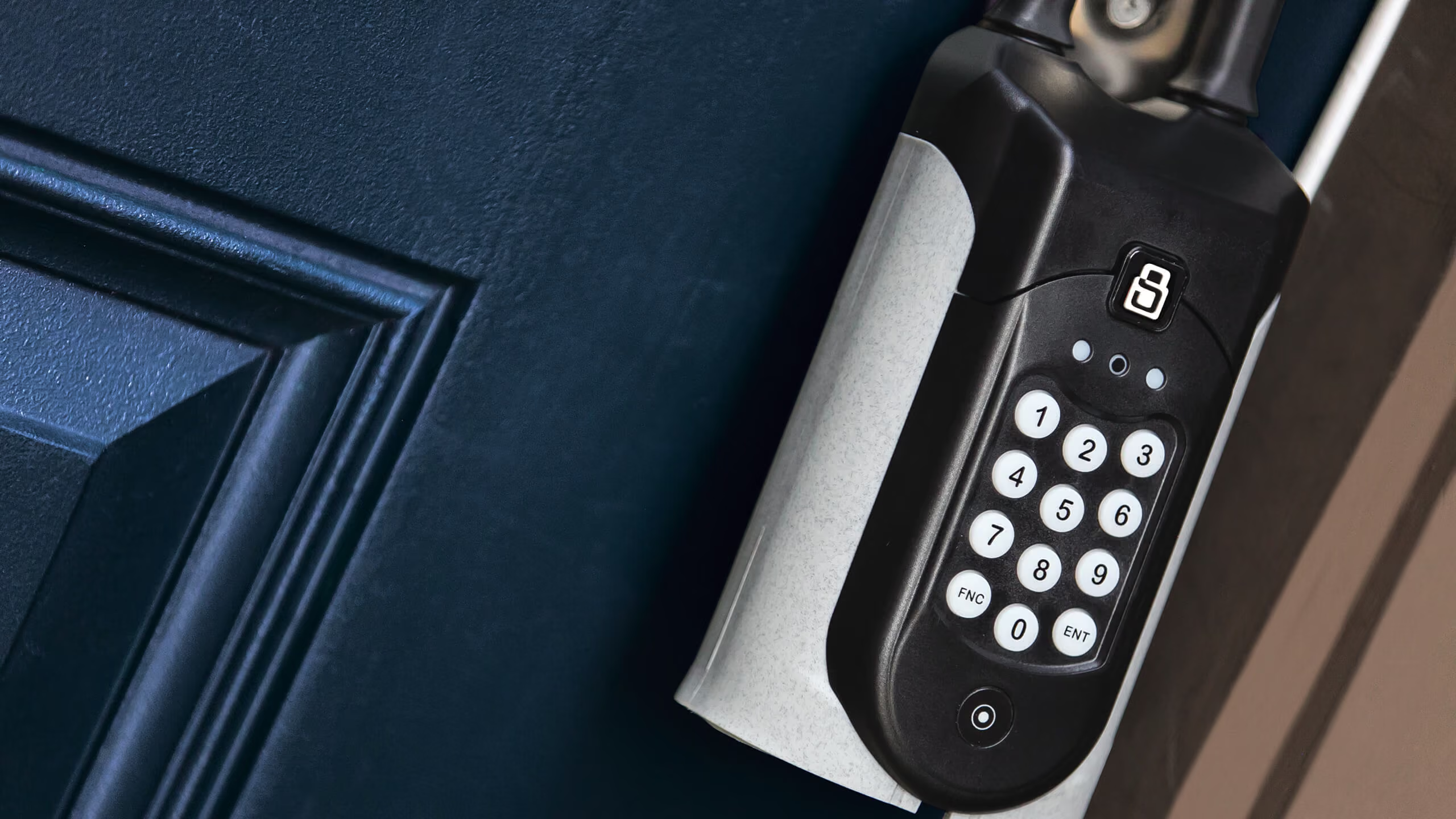
Hardware and software
For lockboxes and access
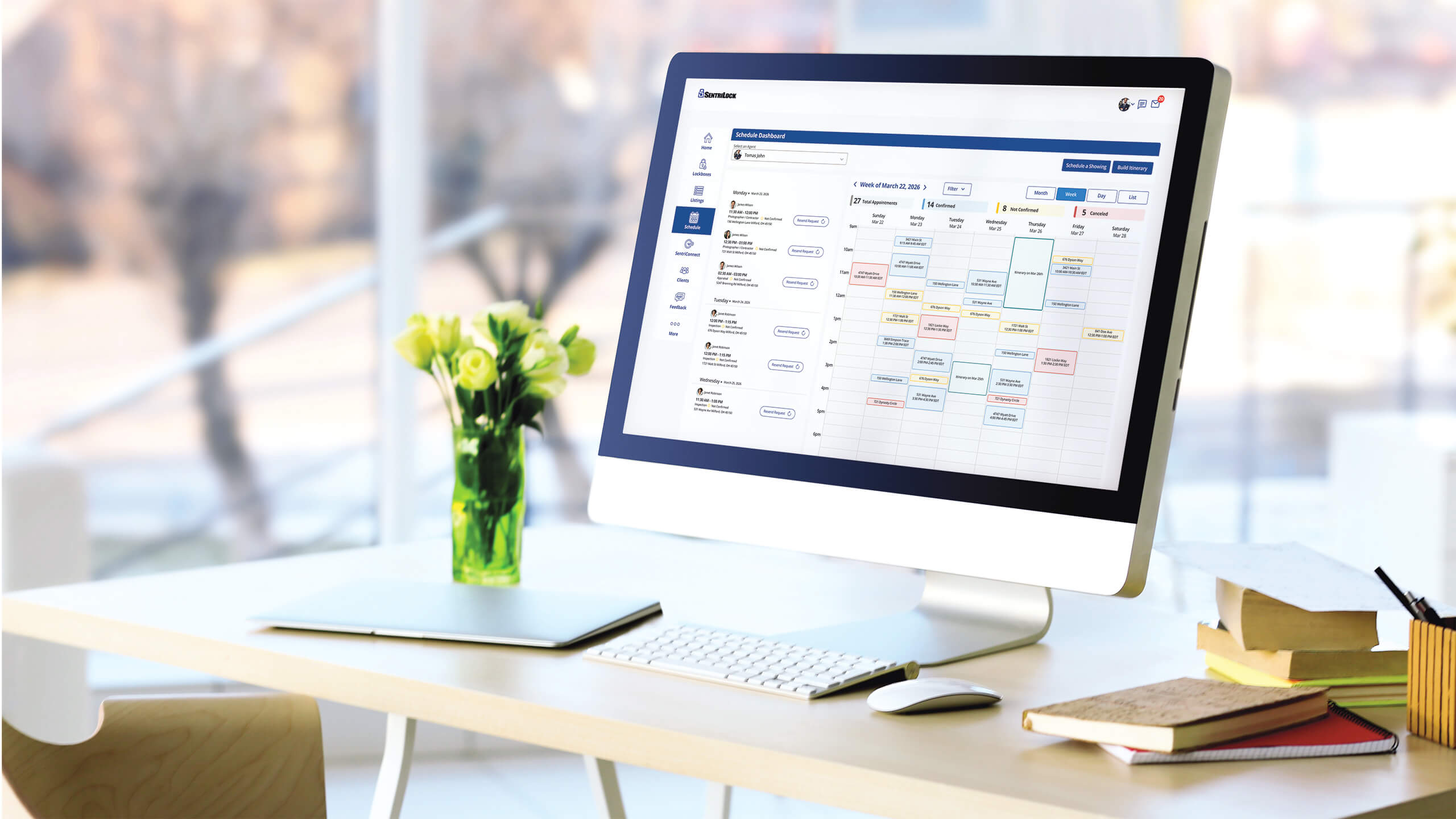
Software
For SentriKey® Showing Service
Resources
Additional resources
Explore our knowledge base, brand assets, media coverage, and live training schedules.

Support
Find answers fast in our help center.

SentriLock branding
Download official logos and brand assets.

Media
See press releases and company news.

Training
Master the platform with live sessions.