/
/ 
 EU
EU UK
UK

500k+
REALTORS®
Creating world-class real estate experiences for their clients
1.39m+
LOCKBOXES IN USE
Official lockbox solution for the National Association of REALTORS®
95%
CUSTOMER SUPPORT SATISFACTION
20-second average call answer time
Electronic Lockboxes
The industry’s most secure and reliable electronic lockbox system, with flexible temporary access, access by appointment, and jaw-dropping customer support.
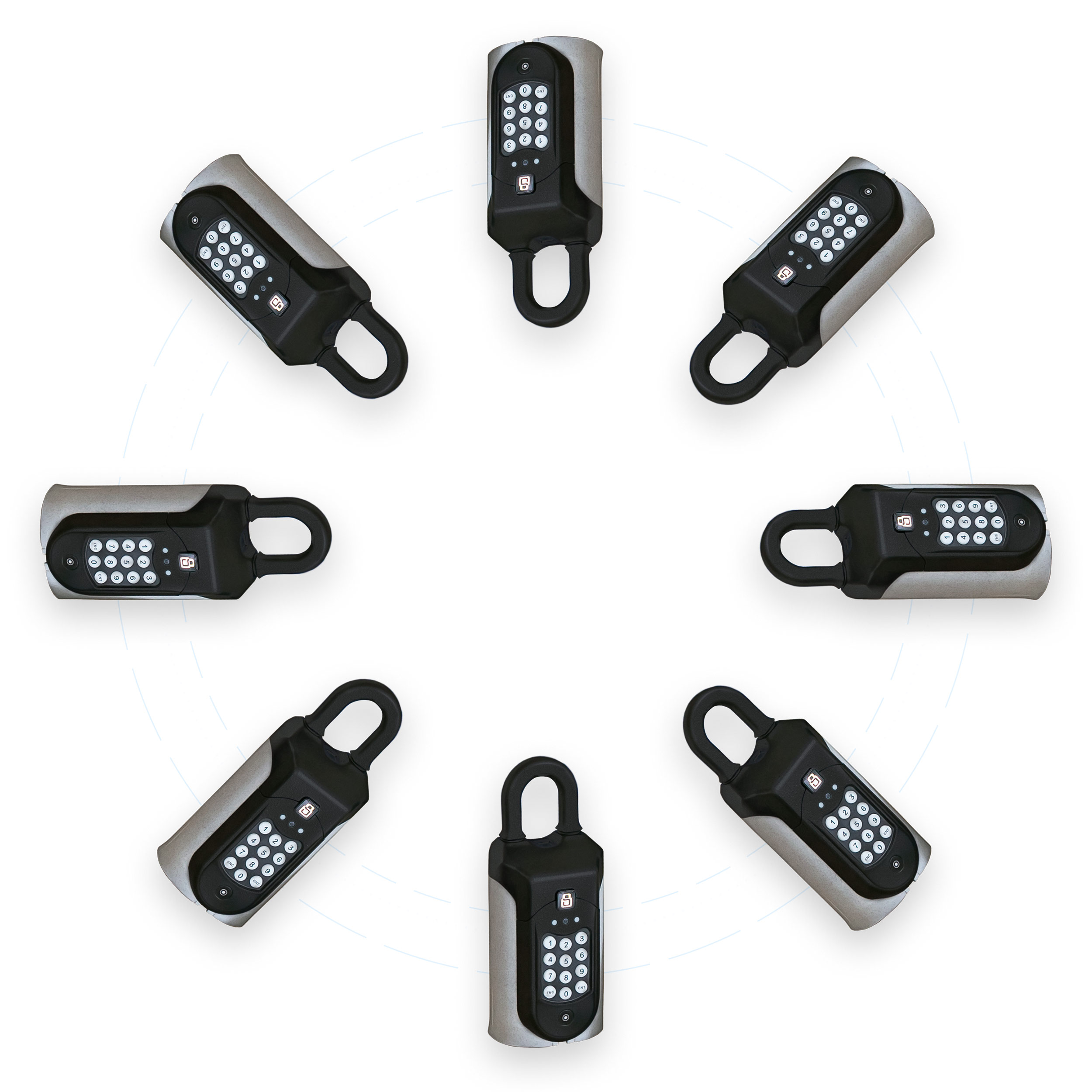
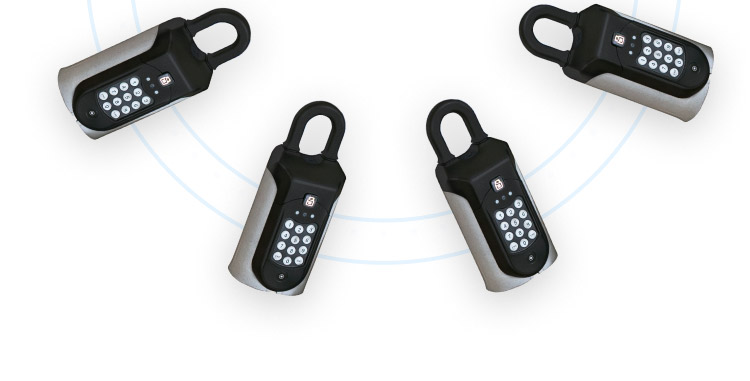
Electronic Lockboxes
The industry’s most secure and reliable electronic lockbox system, with flexible temporary access, access by appointment, and jaw-dropping customer support.
Showing Service
Unleash your sales potential by managing and confirming home showings, creating great client experiences, and staying at the top of your game.


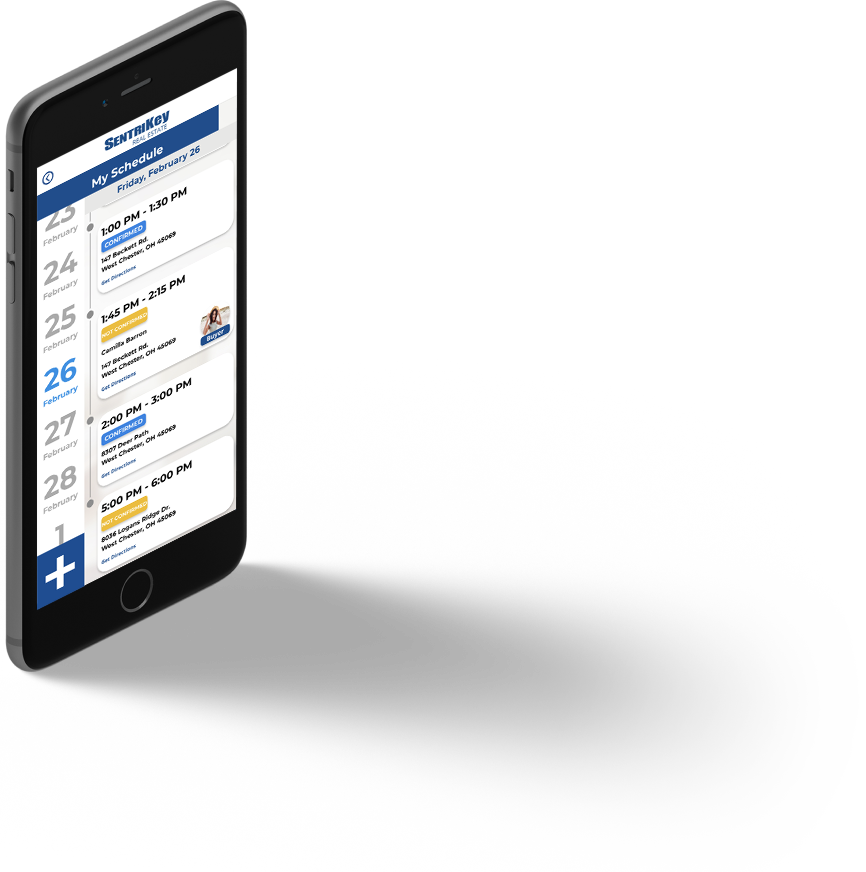
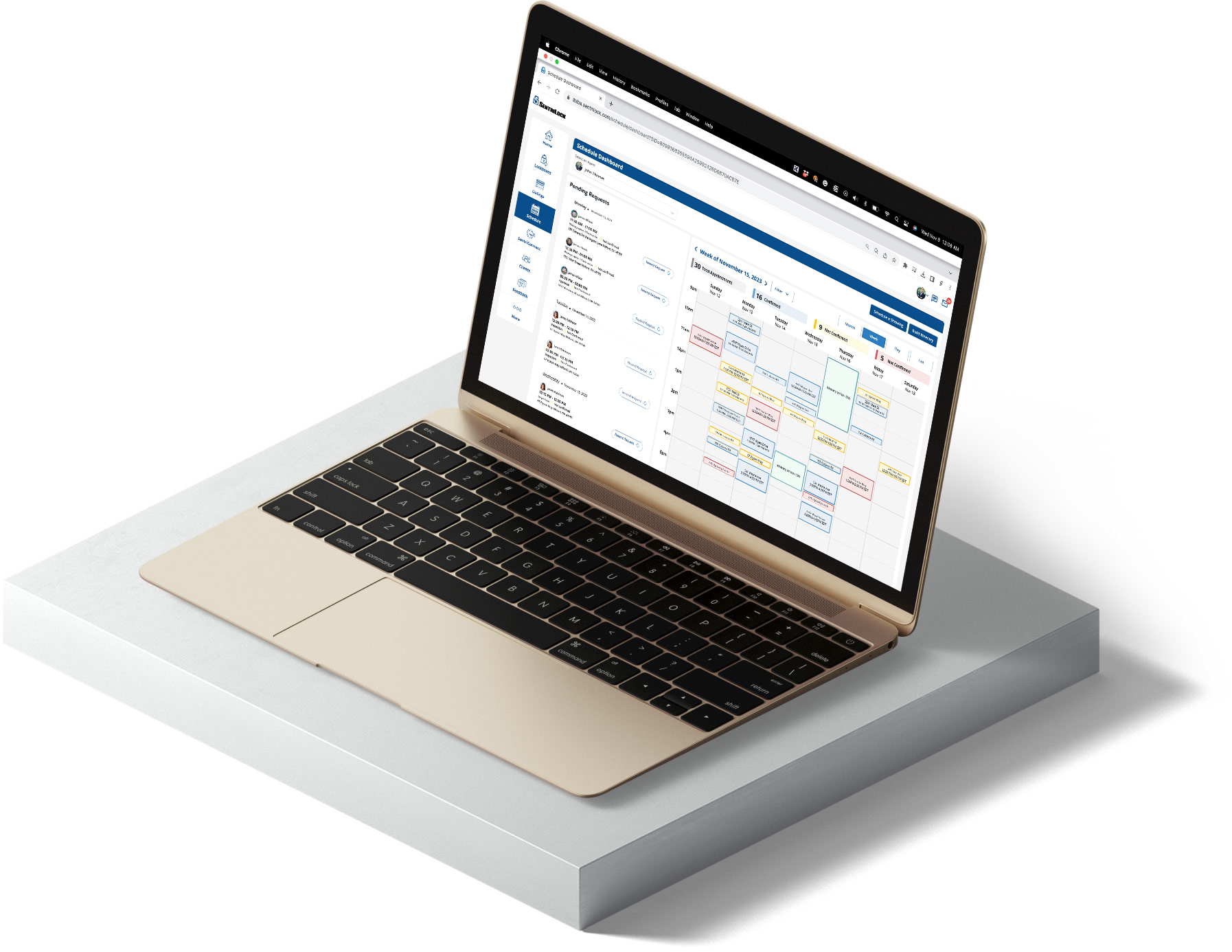
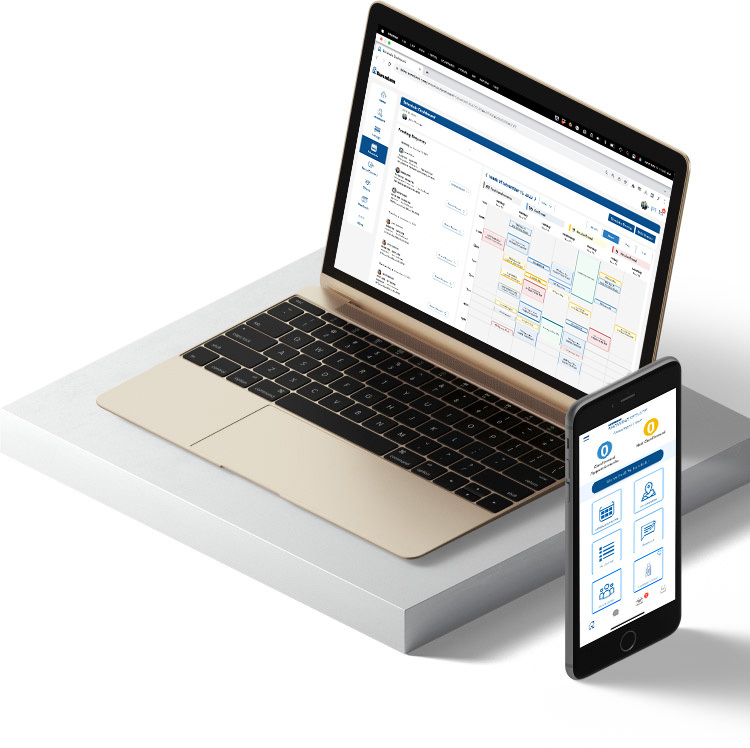
Showing Service
Unleash your sales potential by managing and confirming home showings, creating great client experiences, and staying at the top of your game.
WHO WE SERVE
Learn what Sentrilock can do for you

AGENTS
Access and show homes with confidence, create awesome client experiences, and take the hassle out of arranging contractor access.

BROKERS
Give your agents the better lockboxes they need and the showing service tools they want to be top producers.

MLSs & ASSOCIATIONS
Empower brokers and agents with a best-in-class technology suite that for the first time unifies the industry’s best real estate lockbox and showing service solutions.
Real estate agents: If you are interested in our lockbox or showing service solutions, please contact your local real estate association for assistance. SentriLock products and services are licensed and administered through local real estate associations and multiple listing services. Look no further.